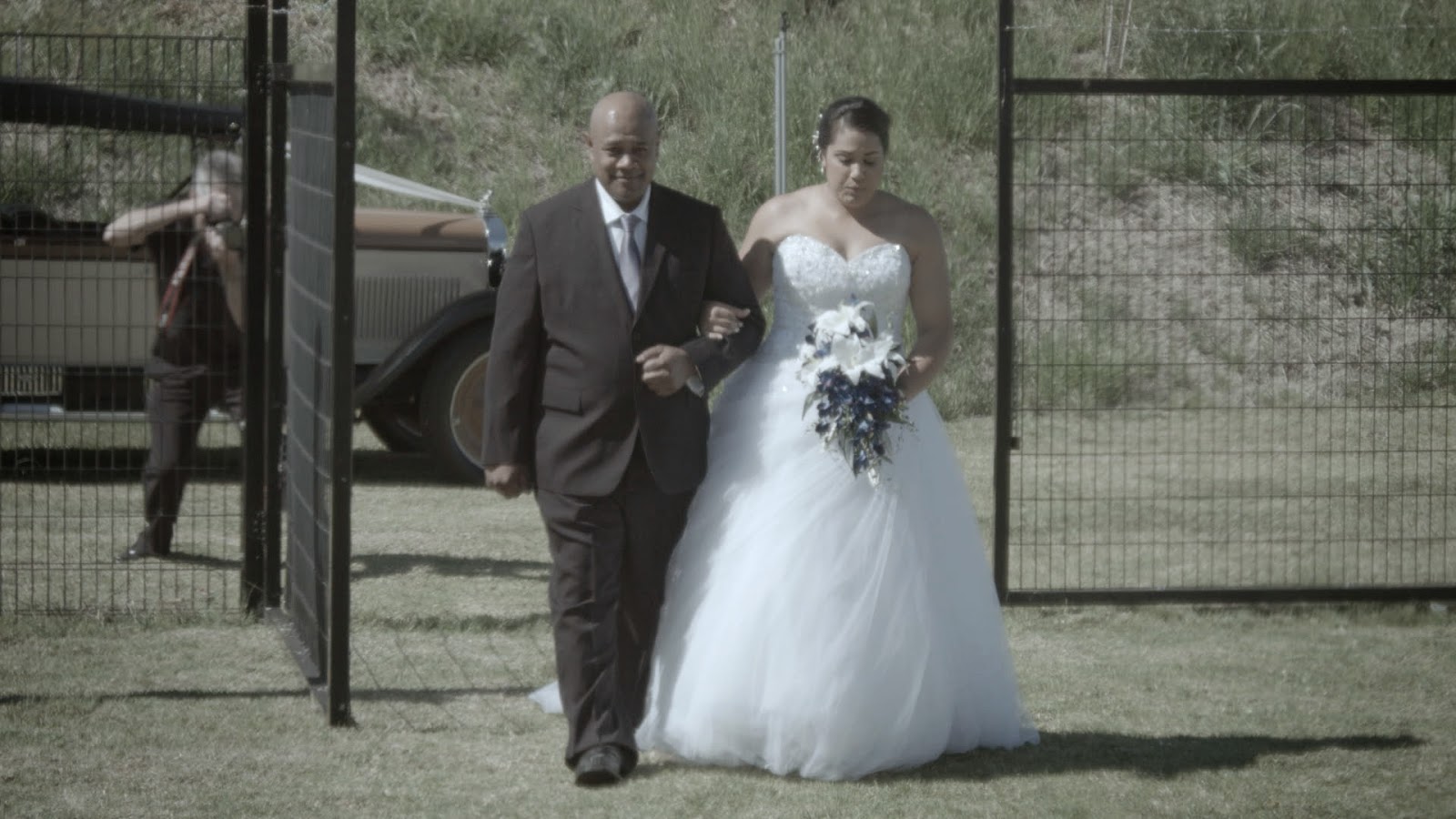
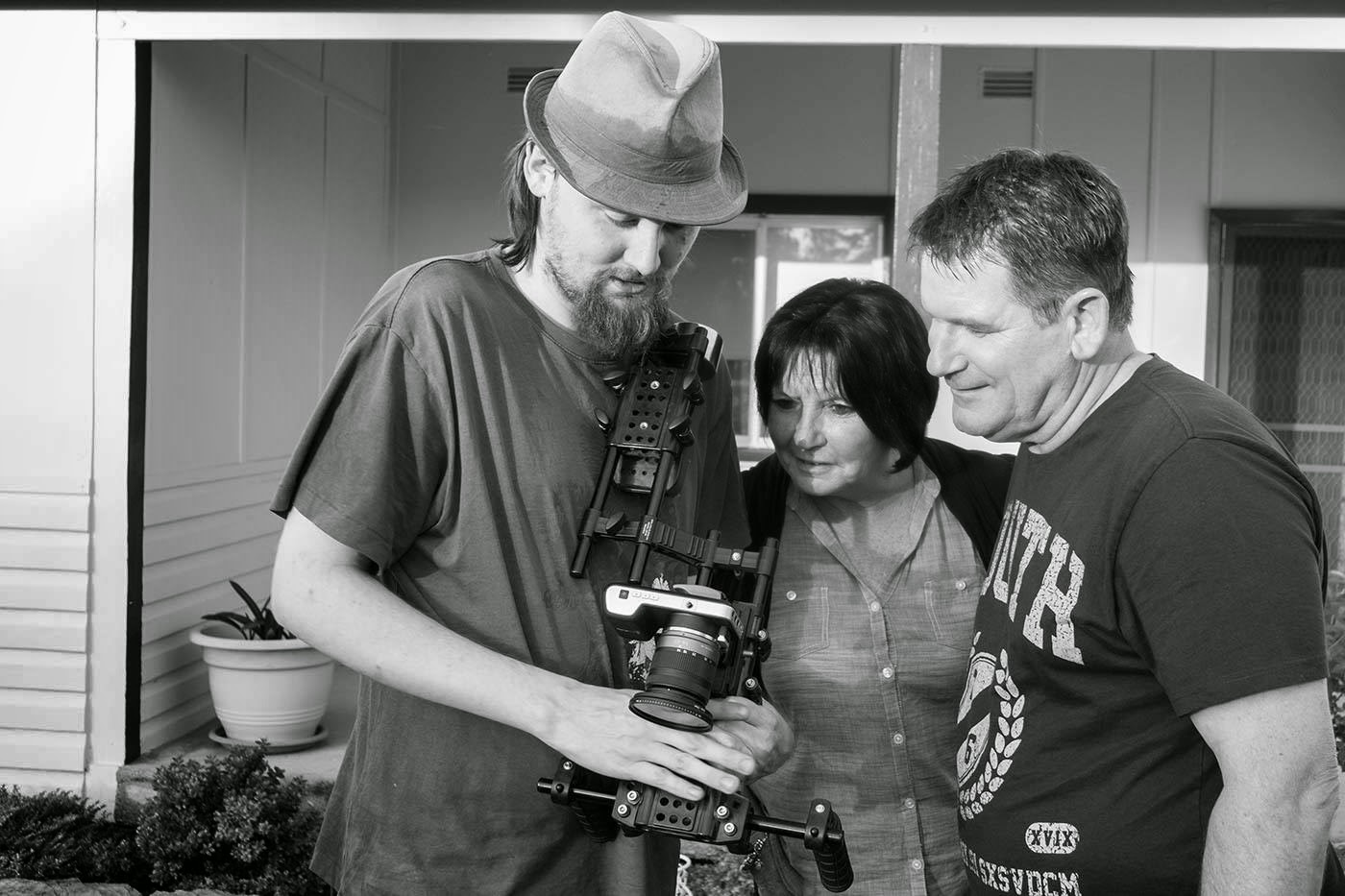
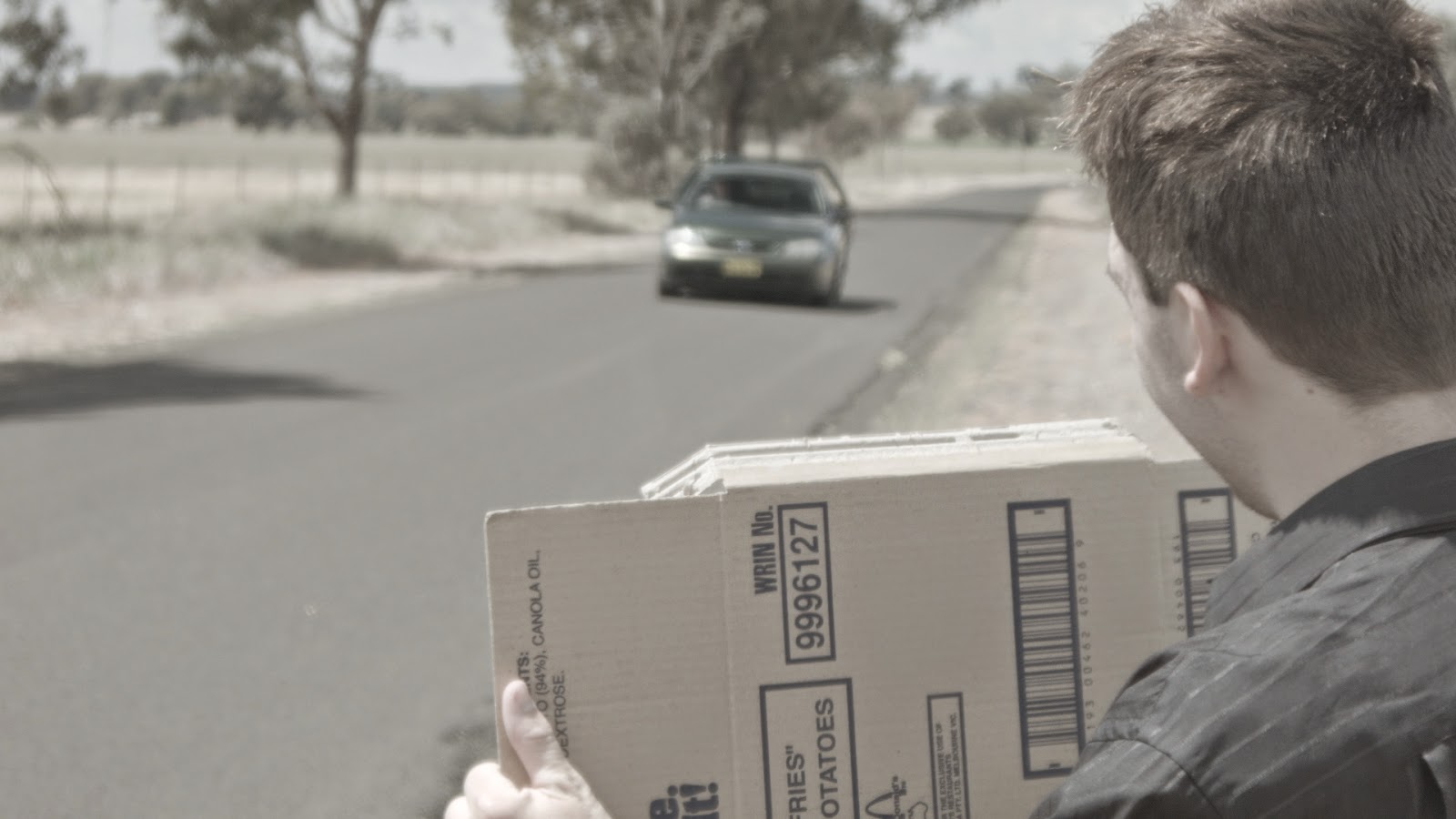
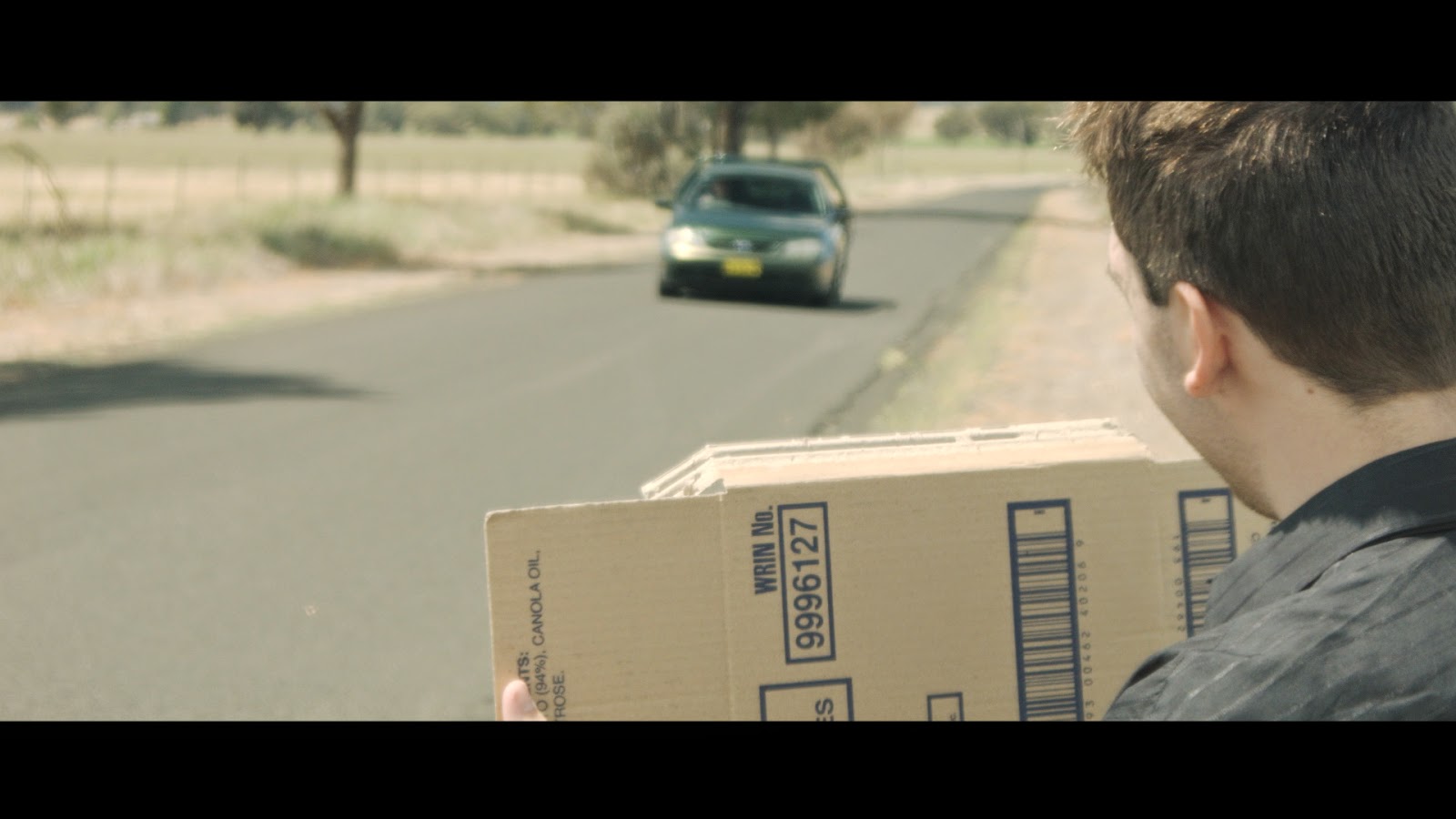
I tend to save my "personal life" for my personal Facebook wall, and for the most part just those I trust that are close to me. But the truth is; as is the case for a lot of us, personal life is what shapes us into the people we are and who we become.
I've been through a bit of a ringer these last few months, mostly at fault of my own... but I've learnt from it in many ways. It was a journey of self discovery. I learned that I put my trust in people who don't prove their worth to me, and that I allow myself to be distracted from my hobbies too much.
In the last few months I've given serious thought to where I want to be in 10 years, and what my company means to me. I know I can't support a family by being a low budget film maker and no day job, and my life will no doubt find itself with a wife and kids. It's on the cards, and I welcome that with open arms. I thought about all the things I can do with my company, rather than just make my own films... I thought about some of the things I've always wanted to do, and that was support young film makers. I know, if I'd had the support of an established film maker at my age... I'd definitely be a lot more active than I am now. That said, I've supported myself... and I've come a long way. But sometimes you need that little bit of support from someone who believes in you. I want to be that guy.
I think it'll start small. I'll make my own films, produce promotional material for businesses... do basically what I do now, but on a bigger scale.
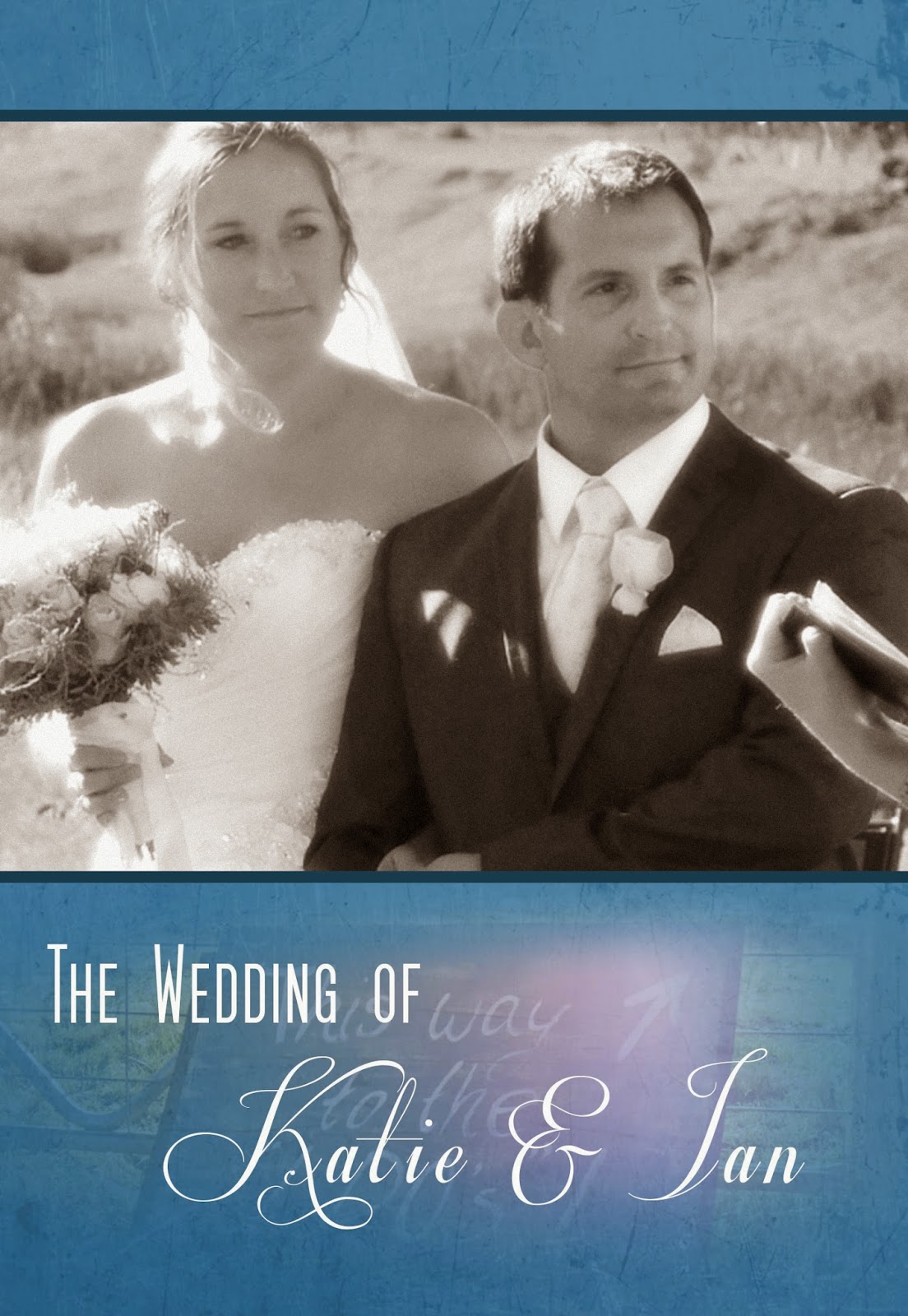
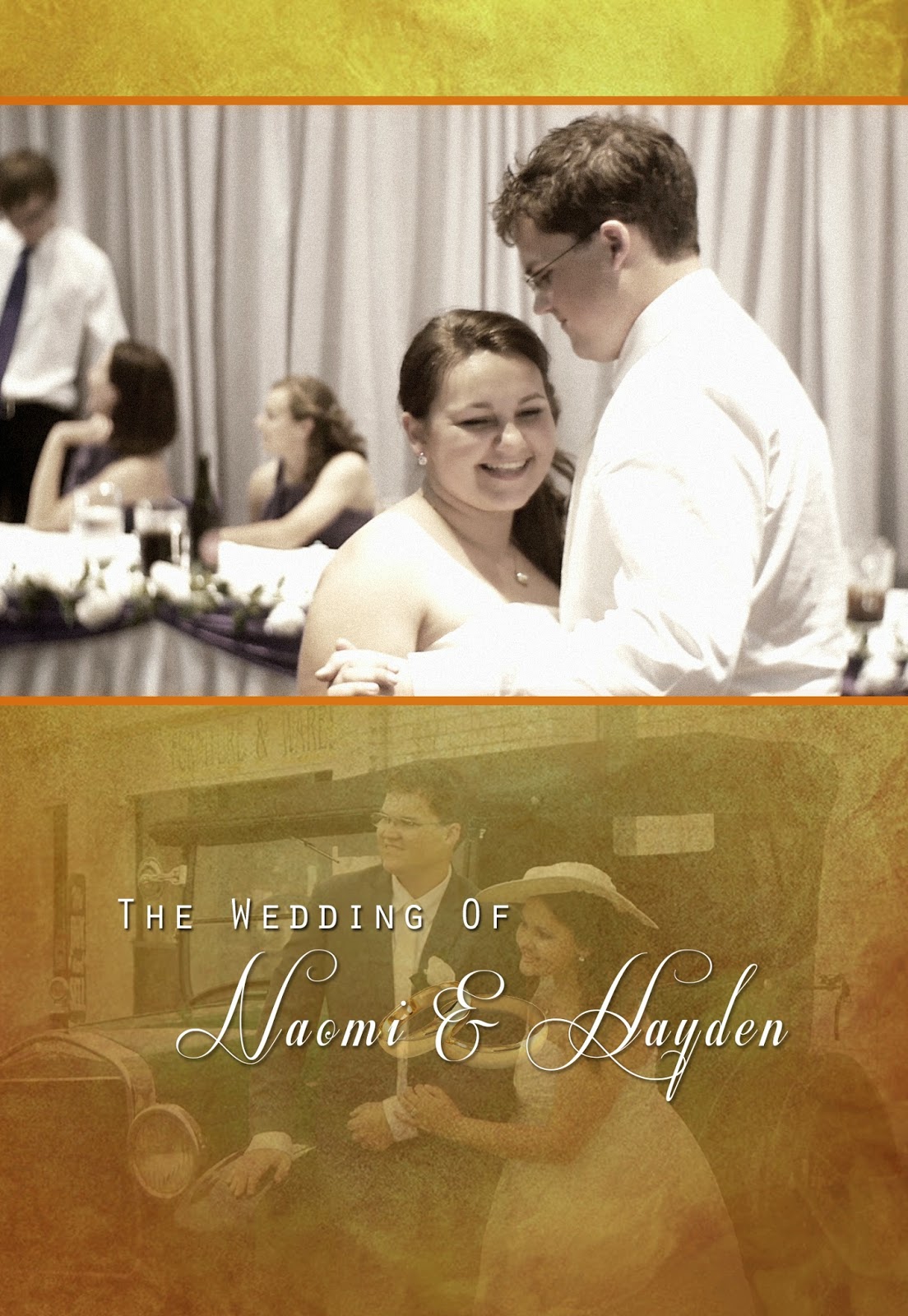
- Wedding videos that will still be affordable (but more expensive than what I do now) with a more cinematic take on them.
- Short form and feature films of my own, garnering funding from local supporters and kickstarter backers, as well as government funding.
- Helping young film makers develop their ideas into film scripts, develop their scripts into reality. Produce their films, give them the skills and gear they need to complete that film.
- Provide production services, editing and small film crews for indie film making productions.
It's a wild dream, and it's a very very big goal... but they say "Aim for the stars, shoot for the moon". That's the wild dream. I have no idea how to get there, but maybe the journey of self discovery will help with that.
May 8, 2013
May 4, 2013
Back Down To Earth!
Hey guys;
Today isn't really an article, but more of a ramble. A discussion on something I've seen a lot of, and do experience as well. This is written as advice not only to those budding and otherwise talented film makers (and other creative types), but to myself as well.
It's starts with something simple. We have that creative urge. Pick up that pencil or paint brush, pinch Mum and Dads video camera, start a new word document, grab the beat up guitar with old strings... and we make do with it. Because we don't have a choice. We want to explore our creative minds and we'll use whatever we can to begin that process. I remember starting out first with a video camera I borrowed from my then-girlfriend. I had a film idea, a rough word document to explain the story... and a few cap guns. I ran outside with my siblings and filmed what would be my first foray into "directing"... A film called Car Lovers Revenge. It was a nasty little SD JVC Everio camera, on board mic system and a horrible built in lens. But, it's what I had.
I had a split with that girlfriend a month or two later, and unfortunately lost the footage before the film could be made. All that survives from that project is a Youtube based trailer that proved how bad the film truly was going to be. But I didn't care. I was learning, I was creating.
Fast forward, after my few months of pining "lost love" and I dived into my new love... making short action clips. I was armed with a nokia N95 stolen (or "eternally borrowed" as I preferred to say) from a friend, my mothers brand new Acer work station and a pirated (yes, sadly) copy of Sony Vegas Pro 6. I also had siblings, Skye and Patrick who were my crew and actors. We made about 5 short films or more using that setup, each in their own ways really BAD.. but I was learning my craft still, and doing what I loved.
Fast forward at least a year later and I was looking at getting a new camcorder to replace the phone. I was developing some films I wanted to make that I knew the phone wouldn't be up to the task, so I purchased a brand new Canon HV30, $1200 later. From there on, I was more choosy with my projects. I found myself not writing "just any action scene that came to mind" and wanted to start making more serious projects. I had a few false starts, a few "bad eggs" in scripts that turned out to be terrible films... and suddenly it slowed to a crawl. I stopped shooting films, I started doing videography work... and thats when the "gear collection" started.
| My "GH1 collection". |
You see, what I'm getting at here in my "ramble sesh" is that we all get lost at one point, when we stop seeings stories and start seeing other peoples work with amazing sound, cinematography... and compare our work to that. I know, in my case I was watching short films with slider/dolly shots, steadicam sequences, decent audio, not-that-shaky-handheld that looked good... And I wanted to put all that into my films. I bought my GH1 because I wanted the shallow depth of field that removable photographic lenses provided, and better low light performance than my HV30. I'm one for al-naturale light, not lighting setups. Better dynamic range/sensor-tivity made my job a little easier. I found myself caught up in the "what else can I add to my gear?" "What else to I need?".
This week I finally woke up to that fact. After I'd bought my LX7, and my new slider... and I was looking for the next piece of equipment to add to my gear. I look at all the work I've done over the last 8 months of owning my GH2... and I don't see a great deal to show for all that money invested in gear. I do a lot of videography stuff, but my original reason for picking up a camera... I don't seem to do that much anymore. Lost in the world of being a "dude with a camera", I no longer write scripts because I'm afraid I'll write another stinker of a film. I do more work tweaking scripts for others, lending my knowledge in gear and cameras to friends and other interested peoples... and I forget about my original 'plan'.
So my advice to you all out there is this: Don't get lost in the world of technicality. I did that. I started reading forum posts, I started reading stats and specs sheets for gear... I stopped seeing "any camera can be used to tell a story" and started seeing the distractions instead. Too many times have I seen other film makers (and myself) not do a project purely based on the fact that they're just waiting for "that next bit of kit before they start filming". Forget that. Use whatever you have, get out there and make that bloody movie. Stop letting the world of specs and gear lists weigh you down. If you fall down that hole, it's hard to get out of.
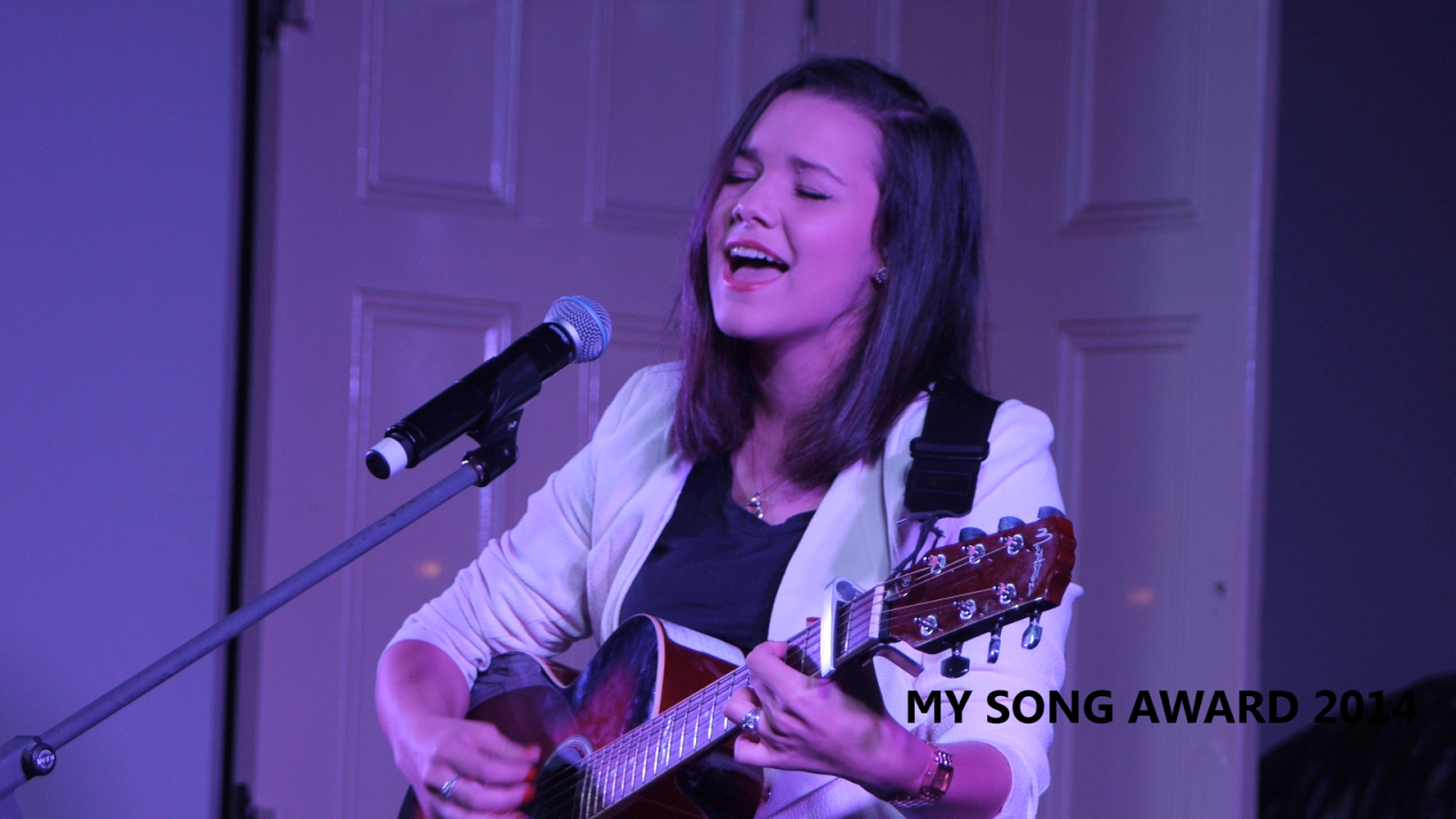
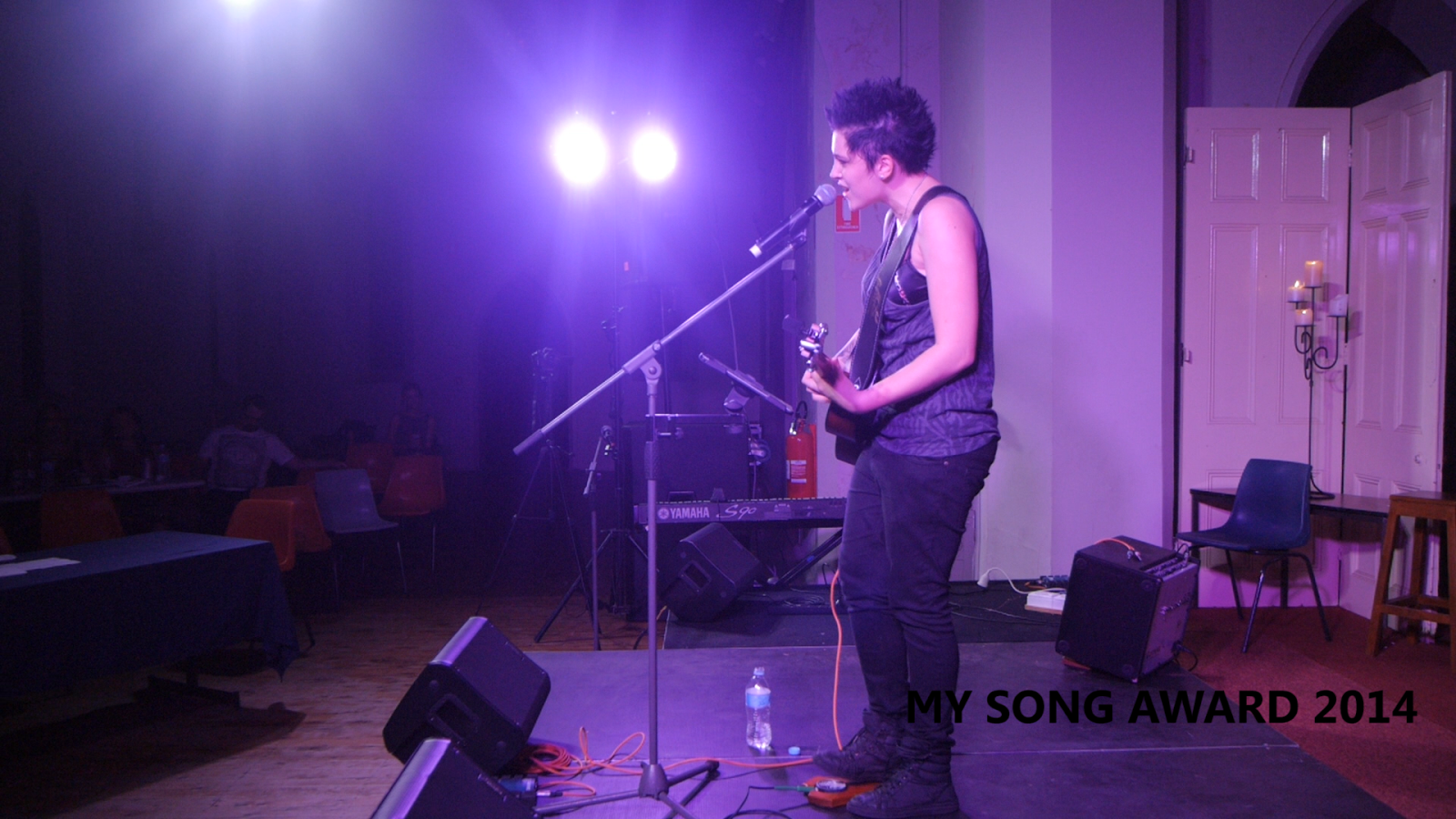
Things are a bit different for me now that I'm a videographer primarily, and a film maker secondary. What gear you have, can definitely help your production values (as I discovered recently with the 'MySong Award' music clips ) but it can distract you as well. While I do raise the quality of my projects, I run into a variety of other situations where I don't spend enough time really "testing" my new toys, and instead learn 'on the fly'. Whilst it's a good way to learn quickly, it can be frustrating when you're filming a wedding and you can't figure out how to balance your damn flycam. In the end you chuck the bloody thing and refuse to use it ever again.
As a film maker, you have creative license. There is a reason why people out there are able to create films on their phones and use cheap cameras creatively. I keep wanting to "go back to basics", and I may do so one day in the future. The point of film making is to focus on the story you're telling, not the gear you use to tell it. Your most important "gear" is your script, and your actors. Your directing skills help, but I think that one is a learn-as-you-go kinda deal. Pull that phone out of your pocket and go out and make that film you've been wanting to make. Take that challenge, you never know how much better it'll make you as a film maker.
Thanks for reading my post. I do apologise if it was a long one. I hope it was informative and you learnt something!
Labels:
A,
Back,
Being,
creative,
Down,
Earth,
film,
Film Maker,
movies,
Videographer
| Reactions: |
Apr 30, 2013
Filming The My Song Award 2013
Hey guys and gals!
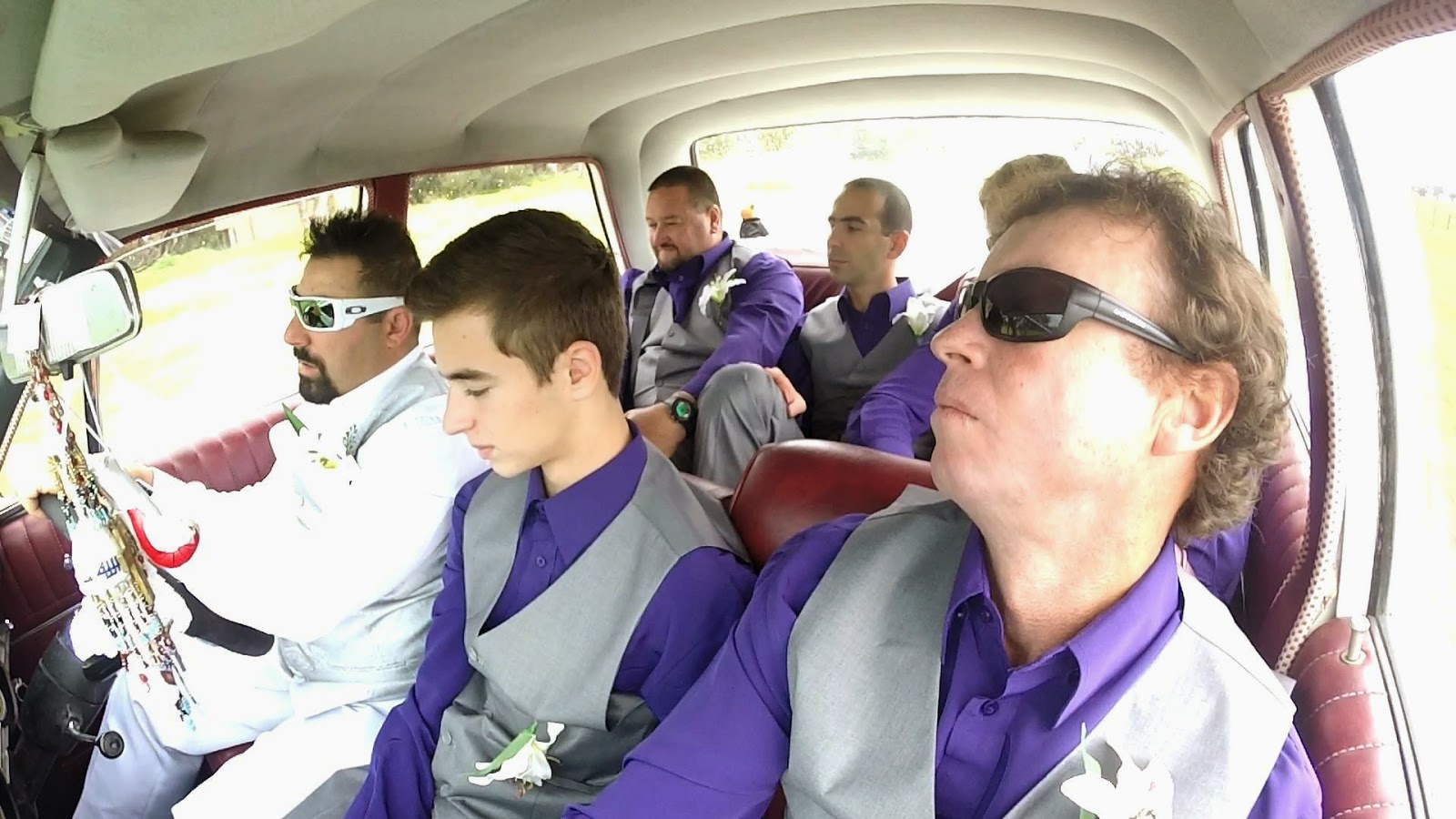
I had a very busy weekend this weekend, filming a wedding on Friday night, filming the My Song Award on Saturday night... and editing on Sunday. A bit of a long weekend for me, but nothing a hard working videographer can't handle.
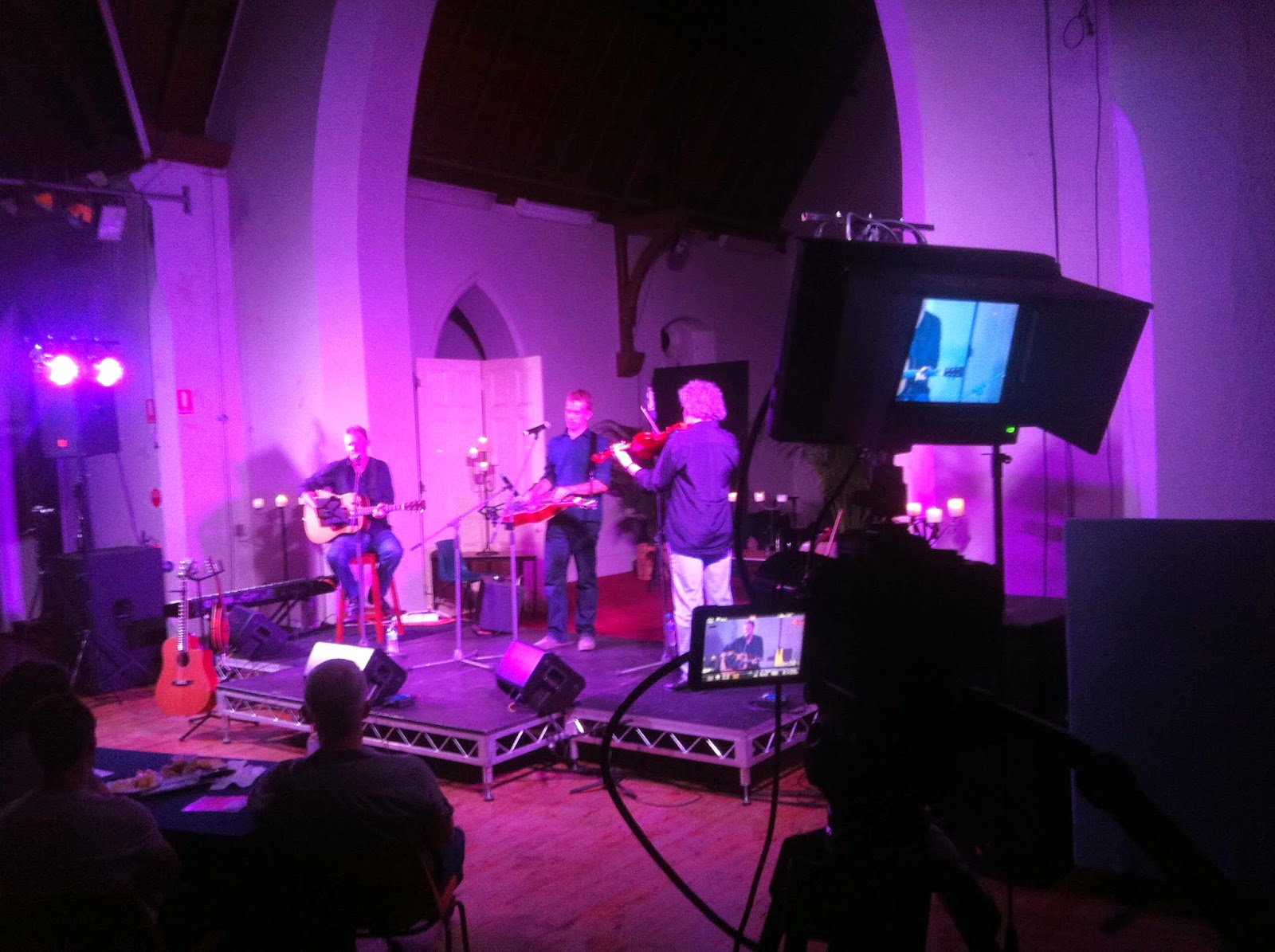
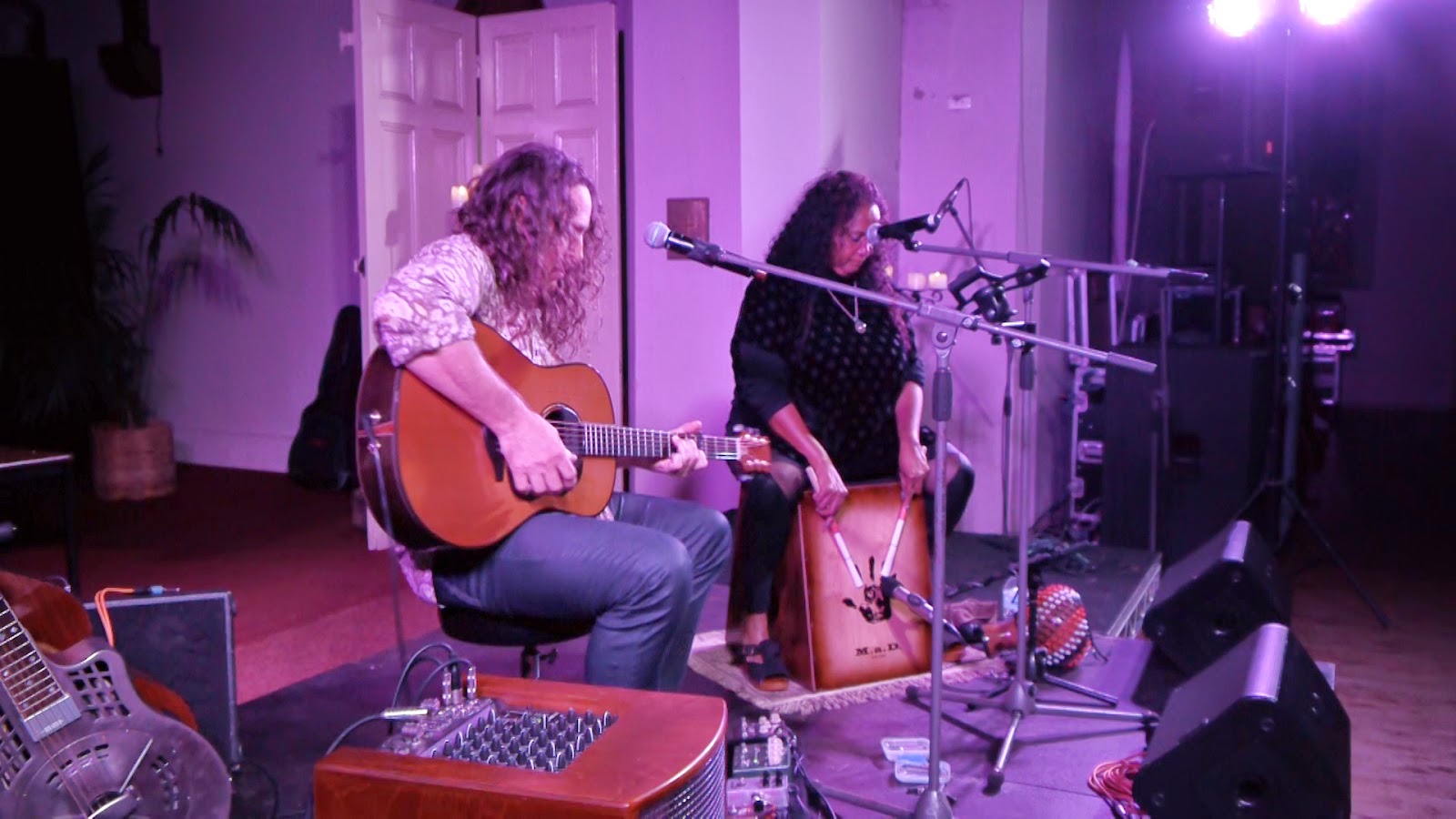
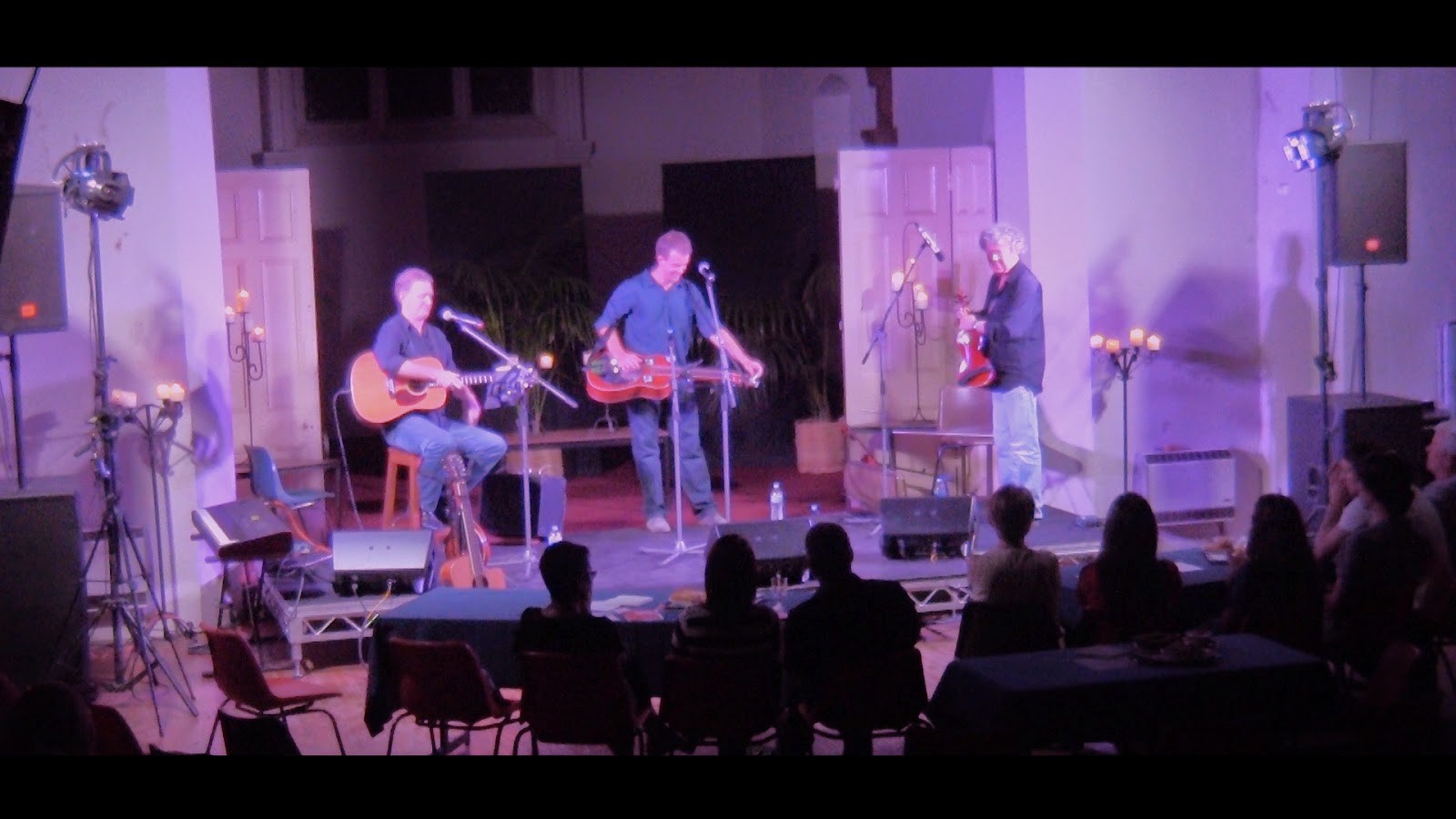
When I was asked to film the My Song Award, I really didn't have much of an idea of the location... or how I would go about covering it. I had a few weeks to figure it out after I agreed to take the job. The concert was to be held inside the St. Brigids hall in Dubbo, a former church. I'd never set foot into this building until Saturday night, and I was quite surprised at how well lit it was.
I started out with a basic plan. A multicamera shoot with seperate audio off the mixer... my usual palate when it comes to live performance videos. When I got there, I unpacked my gear and set up around the stage. I knew I was going to have trouble fitting 6 half hour sets on my 32gb card in my hacked GH2, and I'd bought extra cards in anticipation for the shoot that didn't arrive in time... so I had my girlfriend bring her laptop, and be my data monkey between sets.
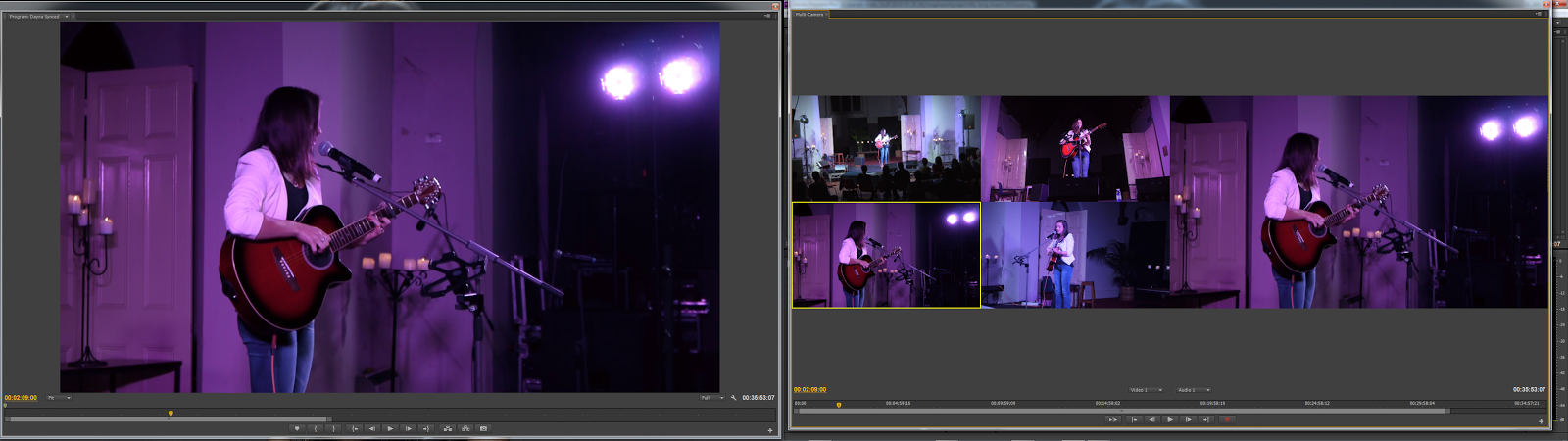
I set up my GH2 on my best tripod, with my new slider over to the right of the stage. I attached my 50mm 1.7 lens for a nice close perspective (wasn't as close up as I wanted, but it worked well enough). I also set up my GH1 to the left of the stage with my C-mount 35mm f1.7 for a slightly wider perspective. This camera, as well as my wide center (My LX7/HV30 with Fisheye lens) were to be the static shots, my slider/tripod combo would be the only moving shots.
The gig kicked off, and despite a few small hiccups with sound (I managed to drop my Zoom H1 recorder at the end of one track and the battery fell out. I slammed it back in and had the recorder back up and running before the next song started. Towards the end of the second set, my LX7 decided to die due to a suddenly dead battery (very sudden). Meanwhile my GH2 and GH1 were chugging along happily without any hiccups.
From there onwards, there wasn't a single hiccup until the end of the night. After the last act, I knew my card in my GH2 would be getting pretty close to full. I sat patiently waiting for the judges to make their decision, meanwhile my last 10 minutes of card space slowly filled up. I managed to catch the verdict on the last 4 minutes, and stopped the camera with 19 seconds of space left on the card.
All in all it was a complicated but sucessful shoot. The audio came out better than expected, and with a bit of tweaking in Adobe Audition... I managed to make it sound as good as it was on the night.
Check out the videos, and check out the muso's pages. They are a very talented bunch, it was a pleasure to film them.
I had a very busy weekend this weekend, filming a wedding on Friday night, filming the My Song Award on Saturday night... and editing on Sunday. A bit of a long weekend for me, but nothing a hard working videographer can't handle.
When I was asked to film the My Song Award, I really didn't have much of an idea of the location... or how I would go about covering it. I had a few weeks to figure it out after I agreed to take the job. The concert was to be held inside the St. Brigids hall in Dubbo, a former church. I'd never set foot into this building until Saturday night, and I was quite surprised at how well lit it was.
I started out with a basic plan. A multicamera shoot with seperate audio off the mixer... my usual palate when it comes to live performance videos. When I got there, I unpacked my gear and set up around the stage. I knew I was going to have trouble fitting 6 half hour sets on my 32gb card in my hacked GH2, and I'd bought extra cards in anticipation for the shoot that didn't arrive in time... so I had my girlfriend bring her laptop, and be my data monkey between sets.
I set up my GH2 on my best tripod, with my new slider over to the right of the stage. I attached my 50mm 1.7 lens for a nice close perspective (wasn't as close up as I wanted, but it worked well enough). I also set up my GH1 to the left of the stage with my C-mount 35mm f1.7 for a slightly wider perspective. This camera, as well as my wide center (My LX7/HV30 with Fisheye lens) were to be the static shots, my slider/tripod combo would be the only moving shots.
The gig kicked off, and despite a few small hiccups with sound (I managed to drop my Zoom H1 recorder at the end of one track and the battery fell out. I slammed it back in and had the recorder back up and running before the next song started. Towards the end of the second set, my LX7 decided to die due to a suddenly dead battery (very sudden). Meanwhile my GH2 and GH1 were chugging along happily without any hiccups.
At the end of the second set I pulled out my backup camera, my Canon HV30... chucked a tape in it, and threw on my handy dandy Sony wideangle lens. I'd never used this lens on my HV30 before... and didn't know it would become a fisheye lens. I had that replace my LX7 in the wide center perspective and kept right on rolling.
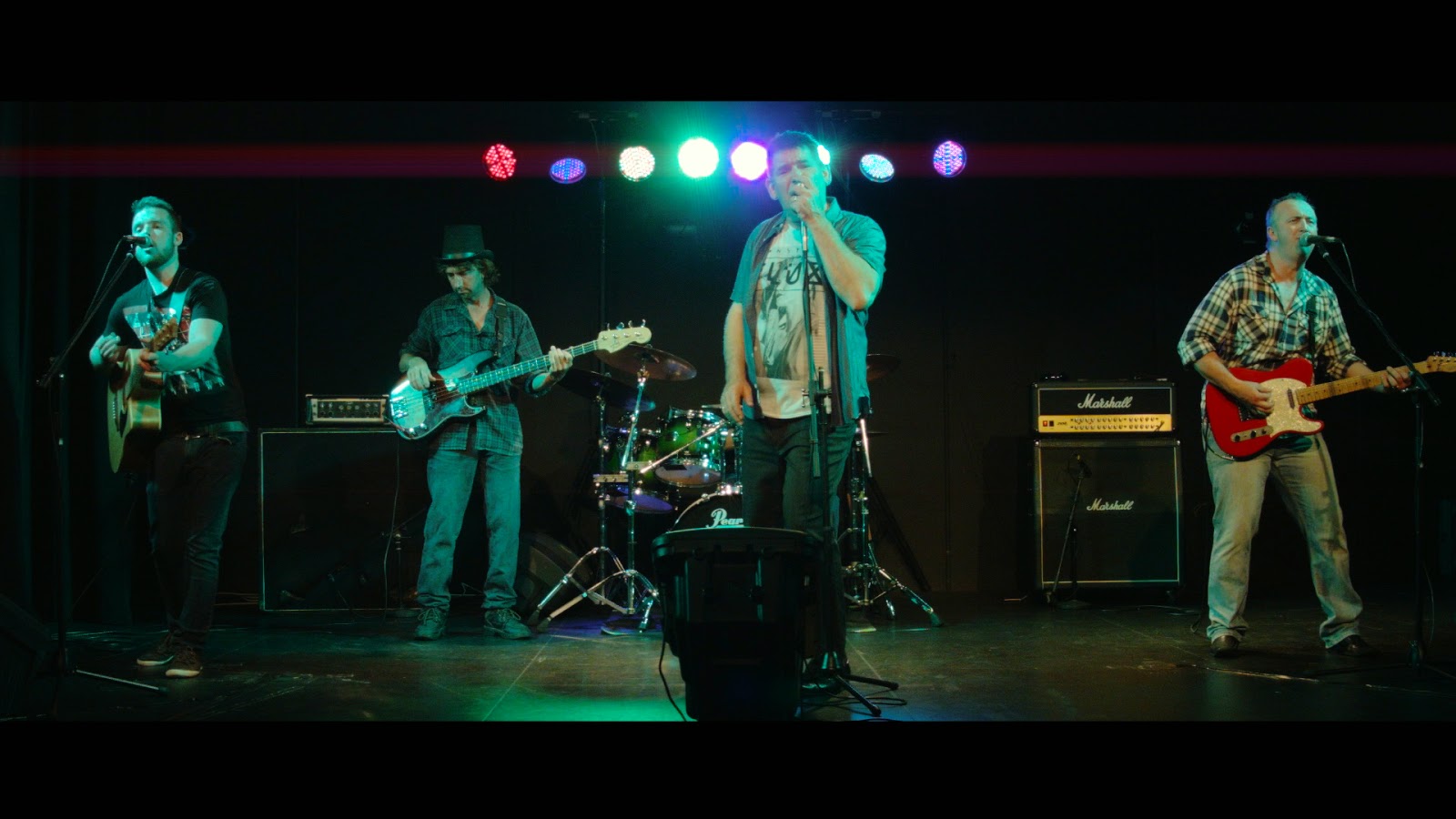
Note the fisheye wideness of the center-wide shot.
All in all it was a complicated but sucessful shoot. The audio came out better than expected, and with a bit of tweaking in Adobe Audition... I managed to make it sound as good as it was on the night.
Check out the videos, and check out the muso's pages. They are a very talented bunch, it was a pleasure to film them.
Labels:
Dubbo,
film,
Live Performance,
Lumix,
My Song Award,
Panasonic,
Shoot,
Videography
| Reactions: |
Apr 12, 2013
Filming a Music Video with the LX7 - Jon O Nicholson - "Hallelujah"
Yesterday was an interesting day.
I started off the morning double checking my gear, after a 5 hour nap. I repacked my gear bags and prepared for an afternoon of filming with talented Wellington-based performer Jon O Nicholson. We had planned to do a very quick and simple music video shoot in his recording studio.
I had originally planned to shoot this video with my Panasonic GH2, and all on sticks... but recently I added the Lumix LX7 (I've raved about this camera a LOT) and a new Dolly/Slider that I wanted to try out. I saw this music video as an opportunity to test out the LX7 in a film making-type environment.
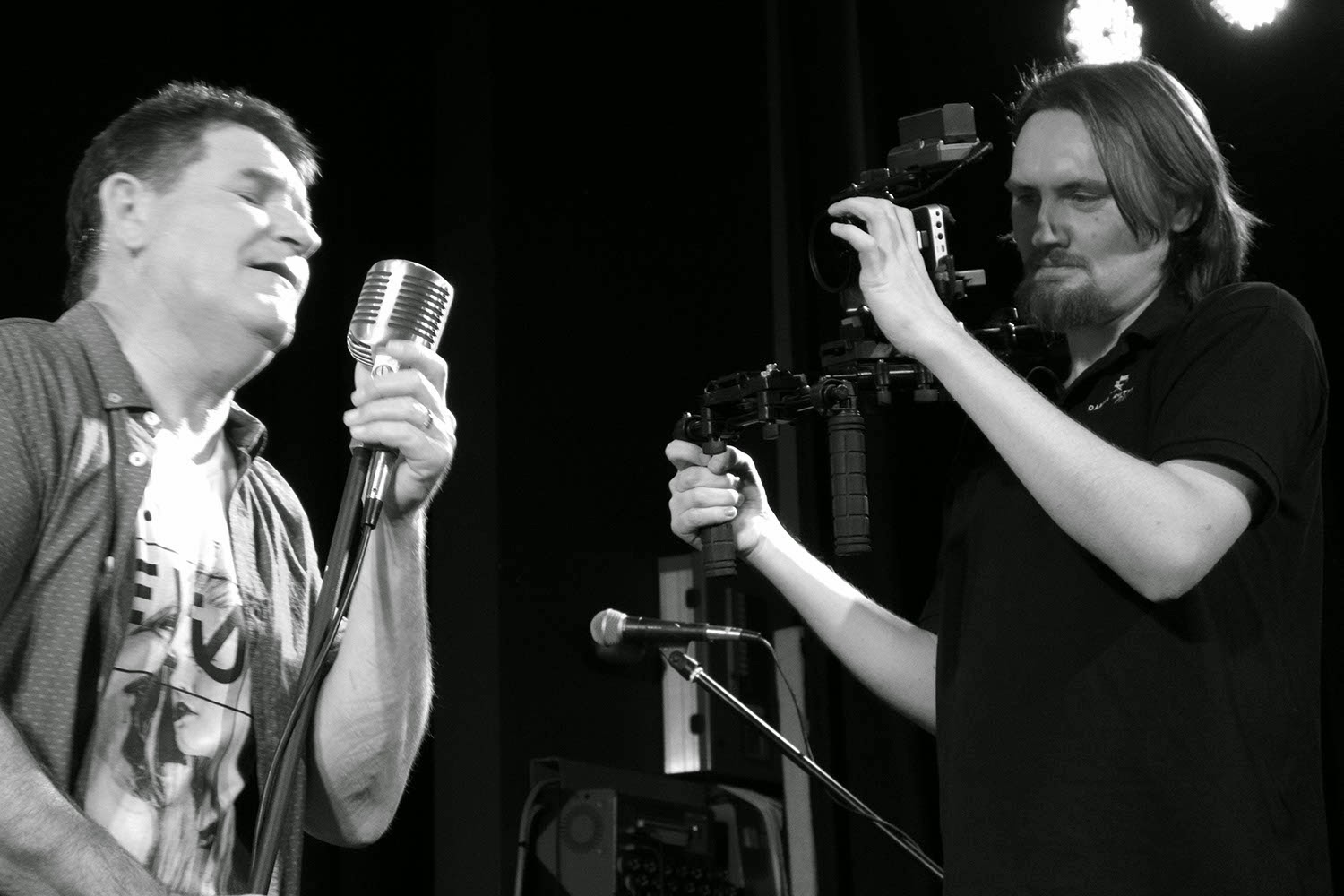
I wanted the video to suit the song in the sense of feeling the singer was alone in a dark room/warehouse with only minimal light around him. I felt it fitted well with the reverb of the audio track. I borrowed the idea of shooting it in black and white, with Jono in a suit and emulating and old 50's/60's style, from a photo shoot I did with Jon O a few months ago. The idea was simplistic, required little to no planning... and very minimal equipment and setup time.
Right off the bat I knew I'd have trouble with the lighting. I knew I wanted a spotlight/hairlight setup, and the LX7 may not hold up well if I have to push ISO to brighten the image. Both my lights were low budget, a $20 Bunnings worklight with an energy saving globe rated at around 40w, and my LED Video ring light worth $40. The light you see leaking through the black background is light from a window with tarp over the outside. This actually worked quite well in giving us a "backlight" of sorts. The ring light was set up on Jon O to seperate him from the background. For the most part it worked well.
We shot with the LX7 mostly on the slider attached to my Weifeng 717 and got some really nice fluid dolly shots.
Unedited stills from the footage are below. Click to open the 'originals' (Picasa web still compresses images unfortuntely).
My final thoughts, both on the shoot and the use of the camera, are as such:
The shoot was indeed a success. We did a bloody good job with the lighting setup we had, which although limited in use and very frugal... we did good with it. Jon O was an absolute legend about the shoot, and very patient with me. I've worked with him in the past for photo shoots, and for a live performance video. He's a genuinely funny guy, and even funnier when you let him have a guitar in his hand. I especially chuckled at him making up lyrics on the spot whilst waiting for me to set up one of my shots, and watched as he followed his comedic ditty with a guitar solo straight out of the 50's!
The LX7 was an absolute joy to work with. I expected the footage to look much worse than it did, but it held up well. Most of my issues came with focusing, but that is mostly because I wasn't manually focusing during most of my slider movements. When focus was nailed, the image was brilliant. If I had shot this in colour, granted... it wouldn't have looked as nice... but the quality of the inbuilt monochrome preset just blows me away. Battery power was my only other problem, but this is what happens when you rely on a camera to allow you to film for 4 hours and not having a spare battery.
Labels:
B/W,
Black and White,
film making,
Jono Nicholson,
Lumix LX7,
Music Video,
Panasonic,
video
| Reactions: |
Mar 31, 2013
Lumix LX7 - A tool for beginner film makers! (Review)
Hey all!
Today I wanted to share with you my thoughts and feelings about the Panasonic Lumix LX7, and how I believe it would make a very very good beginner film making tool.
In todays world of camcorders and DSLR's, it's good to know that point and shoot/compact cameras are becoming more feature packed. Nikon have a camera that shoot 4K for about a second (not exactly usable, but hey...), GoPro's now shoot 2.5k in 30p, and the Lumix LX7 has a wide aperture lens at f1.4 for creamy bokeh'd portraits.
I purchased the Lumix LX7 a few weeks ago to replace my aging Canon HV30, as I was beginning to get tired of transferring tapes to my hard drive... and having a hard time matching the footage from it with my Panasonic GH2 and GH1. I shoot weddings a lot at the moment, and the best thing about moving away from tape... is how quickly I can drop the footage onto my hard drive and start editing. So, when I sold my HV30 for $300, I began looking for a replacement camera straight away. I knew straight off that I didn't want another DSLR, and I wanted something that at least worked like my GH1 in low light conditions. The LX7 jumped out at me when viewing a forum post over at Personal View (the Panasonic Hack community).
I bought the Lumix LX7 on a whim, impressed with the low light performance and the quality of the footage I'd seen on the web. 24-90mm (35mm equiv) f1.4-2.3 lens, 1080 - 50/60p AVCHD, With a promise also of 120fps in 720p (MP4) as icing on the cake. I got the camera in the mail a week later and began playing with it. Here's a few things I shot within a week of owning it:
And I fell in love. This camera, while nowhere near the image quality I can get out of my hacked GH2... completely CRAPS all over my Canon HV30. The slow motion feature ('Lock N Load' was shot in 100fps/720p) wasn't great, but it was certainly useable in some environments.
----------------------------------------------------------------
So, the point here is to sell to you, the beginner film maker looking at this blog post, the reasons why this camera will help you achieve better looking videos.
The first thing that comes to mind, is the manual control in video mode. Once you flip the camera in to creative movie mode, select the big red "M" symbol... you suddenly have the ability to control your aperture (using the ring on the lens, which is really nice), your ISO, and your shutter speed. These are the three components you need to worry about. Beginner photographers need to grasp how all these work together, and in a way... so do serious film makers.
Once you look past the manual settings, you look at the wide aperture lens. f1.4 is almost unheard of in a compact camera. This is a portrait lens on steroids, making your head and shoulders dialog shots a lot more "filmic". The built in ND filter (often unheard of in compacts, let alone many cameras in general) comes in handy when you're outdoors, and want that f1.4 aperture and don't want to mess with your shutter speed too much. The ND filter will cut light sensitivity down by about 3-4 stops (at a guess).
A raw sceenshot from footage shot on the LX7. Click to see larger image.
In the right situations, you can use this wide aperture to isolate your subject from the background, and give a nice creamy bokeh to your "background blur".
Although there is a lack of '24p', in reference to the framerate one would usually use in a film making situation (a throwback from the days of film, where they shot 24 film frames a second), it isn't that hard to manipulate the 50/60p video stream into a 24p timeline. I've done this with the "Lumix LX7 Various Clips" video above, and never lost quality. This 50/60p video stream can also be manipulated into slow motion clips, without a loss in resolution (in the past, you were only able to shoot 50/60p in 1280x720, half the resolution of Full HD)... therefor keeping the detail and sharpness. The hidden 128x720 - 120/100p mode isn't as useful, but if you have a want/need for extreme slow motion.. it's there. The clip above "Lock N Load" was shot using this setting, and as you can see... the quality just "isn't there" when compared to the other clips.
Wide apertures and framerates aside, the film maker can use any tool to make a movie. Webcams, Mum's handycam, your iPhone/Samsung Galaxy (which is pretty common actually), DSLR's and full blown prosumer camcorders. Not to mention 8,16 and 35mm film cameras, RED, Arri, Panavision. But the camera is a simple tool. There are films out there, that have had a wide cinematic release.. that were filmed on much less feature packed cameras such as the LX7. I highly doubt those of you reading this article are looking for a cinema-quality camera, and just want a decent tool for making Blu-ray and web-release movie making. In which case, the LX7 is more than capable.
Obviously, your limits with the LX7 will be obvious. No mic input or headphone output. These things aren't useable on most consumer products anyway, due to AGC (Automatic Gain control) and crappy preamps. A dedicated sound recorder (The inexpensive Zoom H1 for instance) and a decent microphone are the ideal capture method. You can sync these feeds by ear in post production, with the help of a clapboard.. or simply clapping your hands once at the beginning of each scene (after rolling camera and audio recorder, obivously).
Feed the camera as much light as you can in dark situations. Although it isn't too shabby in 'low light', in complete darkness... you will find pushing the camera beyond 400 ISO tends to introduce chunks of grain the size of your fist. This should be expected of a $300 compact. Feed the camera light, then stop down to get the effect you want.
To prove this point, my next short film will be shot primarily on the LX7. There are some things I wish to do that will require my GH2... but only small pieces of the entire film.
The LX7 will most likely be the best money you ever spend as a young/beginner film maker. You will find yourself learning to work around the limits of this camera, using it with ease... and being very happy with the images you come back with. If you mix this with a cheap shoulder rig, leave image stabilization on (it's pretty damn good!).. you have an excellent little rig. Turn off the stabilization if you stick it on a tripod though.
So, in closing, this is a VERY good camera. I'm not a camera nut, I haven't owned 20 cameras in my life... and I'm certainly a stickler for video quality. I own three cameras besides the LX7, but the LX7 has quickly become my favourite. It won't replace the GH2 as my primary cam in most situations... but it will certainly compliment it! If you don't own a camera, and you're looking for a good starter camera... the LX7 is hard to beat for out of the box use.
Take care!
Labels:
Beginner FilmMaker,
Film Maker,
GH2,
Lumix,
LX7,
Panasonic,
Review,
Tips
| Reactions: |
Feb 19, 2013
Maquarie Theatre Documentary - PrePro!
Daniel Rutter Films today has begun pre-production on a potential documentary series based on the history and futre of the Maquarie Theatre/former Rugby Club in Wellington.
We'll begin more thorough Pre-Production over the coming weeks, as we locate various former employees of the original Theatre built in 1938. We'll be looking for individuals who have interesting stories regarding the building, not just as the original Theatre of Wellington, but also as the local watering hole for Wellington's Rugby supporters.
This will be my first official foray into "documentary" film making, if you don't include my TAFE short-doco which I did on a friend of mine.
Looking forward to the hours of research ahead of me... I really enjoy digging into history!
Labels:
documentary,
film making,
Maquarie Theatre,
New South Wales,
wellington
| Reactions: |
Dec 22, 2012
BEGINNER FILMMAKER ‘KIT’ FOR $1000!
A recent post over on "The Frugal Filmmaker" facebook page led me to write this article. This is by no means a "difinitive" solution, just a humble opinion.
The question read a little like this:
"I have $1000, and I want to get a basic filmmaking kit so I can start making movies. What can I get?".
Surprisingly, I reckon you can get quite a bit with that cash... and in this day and age, you can stack up with the big boys (indie films, etc) for a lot less than their typical film budget!
I'm going to design a kit for beginner filmmakers and videographers, which can be used as a guide... or as a shopping list. I will not suggest anything I haven't personally used, or properly researched. Towards the end of the article, I will give alternatives to the gear I mention. Please do not leave comments saying "oh but such and such camera/recorder/mic is crap blah blah"... This isn't constructive, and nor is it welcome.
Lets get on with it then.
------------------------------------------------------------------------------------------------------------
First off... the camera:
PANASONIC LUMIX GH2
AVERAGE PRICE: $5-600 (at time of posting, B&H list the GH2, body only for $500)
The Panasonic GH2 has been a welcome addition to my camera kit for a little over 6 months. I bought mine with the 14-42mm kit lens... and I would recommend it as a purchase, but it's not really "necessary". It can be bought for around $120-$200 seperately... or for about 1-200 bucks more than the GH2 body only on most websites. Snoop around on eBay, find a bargain.
The reason I picked the GH2 is simple. Quality video, small form factor. You have the usual slew of frame rates and resolutions: 1920x1080 24p/30p, 1280x720 30p, 60p, 60i. PAL models can be found, or through the wonders of Ptools (more on this later) can unlock PAL framerates 25p/50i at I believe both resolutions.
The other benefit of the GH2, is that you can adapt just about any lens to it... and get beautiful cinematic images. There are options to hack it, but the image quality out of the box is easily useable in about 90% of situations. Low light performance is amazing right up to 1600iso...
The downside is, this works like a DSLR... not like a camcorder. Although, there are benefits to starting off with a DSLR/Mirrorless system camera... such as learning how to manually adjust aperture, shutter spees and iso settings, and understanding through self teaching (or googling) how these settings work together to affect your footage.
The GH2 is also a fairly capable stills camera, great for snapping DVD cover shots... or web promotional images. Most of the work I submitted for my Photography class last year was done with the GH2 (while everyone else shot with Canon and Nikon)... and nobody saw a difference.
A QUICK NOTE ON GH2 HACKS:
You DO NOT NEED to hack the GH2. In fact, if you are new to video... don't even bother until you've learned how to use this camera first. Hacking unleashes extra video quality, and some other features that a beginner doesn't necessarily need. Google can help you, should you still wish to hack your camera.
FUJIAN 35mm f1.7 CCTV lens
AVERAGE PRICE: $25-40
This is one amazingly awesome little lens, that with a 7 dollar adapter off eBay (C mount to micro 4/3 adapter) can help you achieve excellent low light shots, extremely shallow DOF to assist in gaining cinematic imagery... and all for a lot less than you'd expect. This lens has a lot of character, but there is a reason it's only $30.
This lens was originally desinged to be used on CCTV cameras (surveillance systems), and needs to be adapted to the GH2. This will make it a completely manual lens, it doesn't communicate with the camera at all. Adjusting the focus and aperture happens all manually using dials on the lens. This is an excellent way to learn how to manually focus... which can be tricky at first, but easy to master with regular practice.
OTHER LENSES CAN BE FOUND CHEAP ON EBAY... IF YOU'RE UNSURE OF WHAT CAN BE USED ON A GH2, GOOGLE IT... or go to the FRUGAL FILMMAKER FACEBOOK GROUP AND POST A QUESTION.
TRIPODS
SLIK PHOTOGRAPHER TRIPOD
AVERAGE PRICE: $75-80
This is the absolute basic tripod. With practice you can achieve smooth pans with it, but I would strongly recommend saving yourself a few extra bucks... and going to a fluid head system.
WEIFENG 717 TRIPOD with legs
AVERAGE PRICE: $150-200
The price is steep, but definitely worth it. I use this tripod primarily in just about everything I shoot. Although I prefer the look of handheld, there are times where a tripod is absolutely needed... and every film maker should have one in his kit.
You can find this tripod on eBay.
RODE VIDEOMIC
Average price: $130-150
The rode Videomic is the barebones shotgun mic, that can be used on camera (although I recommend using a boom stand, handheld boom or pistol grip) to achieve better audio results. You can feed this mic directly into the GH2, and it will work well enough. I would advise that you use an external recording device, and purchase a $5 cable (or less) that will run the feed from this recorder into your camera for syncing (more on this later).
I have used the Rode VideoMic on every short film and videography job I have had in the last 3 years, and it has yet to fail me. My only gripe is the bands on the shockmount. There are plenty of other cheaper shotgun mics out there, but I purchased this one purely because of it's superior sound.
ZOOM H1 HANDY RECORDER
Average price: $80-100
The Zoom H1 is a voice recording device that allows a microphone, mixing board feed, or any other "line feed" to be directly connected into the line/mic in jack and recorded in high quality WAV format. You can manually adjust the volume of whatever is being fed into the recorder, so that you don't distort your final audio product. It can also be used in a pinch as a handheld mic with it's built in microphones, should you need to do an on-the-spot interview or record foley/sound effects for your production.
Sandisk Extreme 40mb/s CLASS 10 16gb card (up to 64gb)
Average price: $20-40 (depending on capacity)
Without a few of these, you're not going to be able to record anything you want to out of the camera. If you intend to shoot with the GH2 out of the box (no hacks) then you can get away with Class 6 cards (I recommend Sandisk cards only, as I feel they are more reliable). If you decide to push the limits of your GH2, you should purchase Class 10 cards... and the fastest datarate you can get (30mb/s through to 95mb/s). I shoot with 40mb/s cards, which handle the 'Flow Motion' hack quite well with minimal problems. I CANNOT STRESS THIS ENOUGH, YOUR MILEAGE MAY VARY!
You will want at least two cards. you don't want to be left in the field/on set with only one card. If that card is dropped/damaged/faulty/full... you will want a backup card. I recommend having more than two, but hold off buying extras if you can't afford it. I'd say 2 is your absolute minimum.
WORK LIGHTS
Average price: $10-40 (Depending on wattage etc)
If you walk into your local hardware store, mosey over to the lighting section... you'll see the 'worklights' for around $10+ depending on wattage. These are an inexpensive alternative to the usual "set lighting". There is a catch to using these, and that is... or the most part, they let off an orange glow... which can be a bitch. If you play with the white balance settings on your camera, you can turn that orange glow into a white glow (or blue... if you so wish). The other catch is, they use Hallogen bulbs... which run hot (like, really hot) and chew power.
You'll want at least three lights. You can get any type you like... but I'd recommend at least two on stands, and a smaller individual light with a handle... just in case.
Whenever I need lighting for a production, I always check out the hardware store. You can find a lot of really good inexpensive lighting systems. In a pinch, a bedside lamp has been known to give good light for specific situations...
-------------------------------------------------------------------------------------------------------------
And this completes our kit. By my count that's around $900. This is by no means a "great all rounder kit"... but for the most part, you can get by with these as a starter kit.
Yes, you can cut corners here. You can buy a cheaper tripod, buy a cheaper mic etc... and put the money into lenses. But, I would recommend you focus your attention to the audio department. Most people forget that audio is 50% of the film watching experience... and if its horrible, it will take away from your visuals.
ALTERNATIVES:
You can replace the GH2 in this kit for, instead...
a Sony NEX 5-n.
The 5-n is around $400 on eBay, and shoots footage that looks just as good as the GH2's footage. The camera is considerably smaller than the GH2, but still holds similar functions that make the GH2 great. If you're looking to pinch pennies on the camera side of things... then go for this camera. I haven't personally used it, so don't blame me if you purchase and don't like it.
A Canon 550D/T2i.
This was one of the more popular Canon DSLR's for beginners in the beginning of HD-DSLR filmmaking. It's the smaller, cheaper brother of the Canon 5D MKII... just without some of those bells and whistles. Boasting 1080-24p and 720-30/60p options in video mode, and 18mp stills in photo mode... you can pick one of these babies up body only for around $4-500. Even cheaper if you go second hand. There's a catch... You can't adapt a lot of the cheaper manual lenses to the camera, such as C-mount or Canon FD glass without running into problems. Nikon primes, M42 primes and some non Canon FD glass can be mounted with adapters, and will work great. 12 minute recording time limit per clip is another problem, although Magic Lantern (a hack for Canon cameras) can really unlock this cameras potential as a filmmaking tool.
The question read a little like this:
"I have $1000, and I want to get a basic filmmaking kit so I can start making movies. What can I get?".
Surprisingly, I reckon you can get quite a bit with that cash... and in this day and age, you can stack up with the big boys (indie films, etc) for a lot less than their typical film budget!
I'm going to design a kit for beginner filmmakers and videographers, which can be used as a guide... or as a shopping list. I will not suggest anything I haven't personally used, or properly researched. Towards the end of the article, I will give alternatives to the gear I mention. Please do not leave comments saying "oh but such and such camera/recorder/mic is crap blah blah"... This isn't constructive, and nor is it welcome.
Lets get on with it then.
------------------------------------------------------------------------------------------------------------
First off... the camera:
PANASONIC LUMIX GH2
AVERAGE PRICE: $5-600 (at time of posting, B&H list the GH2, body only for $500)
The Panasonic GH2 has been a welcome addition to my camera kit for a little over 6 months. I bought mine with the 14-42mm kit lens... and I would recommend it as a purchase, but it's not really "necessary". It can be bought for around $120-$200 seperately... or for about 1-200 bucks more than the GH2 body only on most websites. Snoop around on eBay, find a bargain.
The reason I picked the GH2 is simple. Quality video, small form factor. You have the usual slew of frame rates and resolutions: 1920x1080 24p/30p, 1280x720 30p, 60p, 60i. PAL models can be found, or through the wonders of Ptools (more on this later) can unlock PAL framerates 25p/50i at I believe both resolutions.
The other benefit of the GH2, is that you can adapt just about any lens to it... and get beautiful cinematic images. There are options to hack it, but the image quality out of the box is easily useable in about 90% of situations. Low light performance is amazing right up to 1600iso...
The downside is, this works like a DSLR... not like a camcorder. Although, there are benefits to starting off with a DSLR/Mirrorless system camera... such as learning how to manually adjust aperture, shutter spees and iso settings, and understanding through self teaching (or googling) how these settings work together to affect your footage.
The GH2 is also a fairly capable stills camera, great for snapping DVD cover shots... or web promotional images. Most of the work I submitted for my Photography class last year was done with the GH2 (while everyone else shot with Canon and Nikon)... and nobody saw a difference.
A QUICK NOTE ON GH2 HACKS:
You DO NOT NEED to hack the GH2. In fact, if you are new to video... don't even bother until you've learned how to use this camera first. Hacking unleashes extra video quality, and some other features that a beginner doesn't necessarily need. Google can help you, should you still wish to hack your camera.
FUJIAN 35mm f1.7 CCTV lens
AVERAGE PRICE: $25-40
This is one amazingly awesome little lens, that with a 7 dollar adapter off eBay (C mount to micro 4/3 adapter) can help you achieve excellent low light shots, extremely shallow DOF to assist in gaining cinematic imagery... and all for a lot less than you'd expect. This lens has a lot of character, but there is a reason it's only $30.
This lens was originally desinged to be used on CCTV cameras (surveillance systems), and needs to be adapted to the GH2. This will make it a completely manual lens, it doesn't communicate with the camera at all. Adjusting the focus and aperture happens all manually using dials on the lens. This is an excellent way to learn how to manually focus... which can be tricky at first, but easy to master with regular practice.
OTHER LENSES CAN BE FOUND CHEAP ON EBAY... IF YOU'RE UNSURE OF WHAT CAN BE USED ON A GH2, GOOGLE IT... or go to the FRUGAL FILMMAKER FACEBOOK GROUP AND POST A QUESTION.
TRIPODS
SLIK PHOTOGRAPHER TRIPOD
AVERAGE PRICE: $75-80
This is the absolute basic tripod. With practice you can achieve smooth pans with it, but I would strongly recommend saving yourself a few extra bucks... and going to a fluid head system.
WEIFENG 717 TRIPOD with legs
AVERAGE PRICE: $150-200
The price is steep, but definitely worth it. I use this tripod primarily in just about everything I shoot. Although I prefer the look of handheld, there are times where a tripod is absolutely needed... and every film maker should have one in his kit.
You can find this tripod on eBay.
RODE VIDEOMIC
Average price: $130-150
The rode Videomic is the barebones shotgun mic, that can be used on camera (although I recommend using a boom stand, handheld boom or pistol grip) to achieve better audio results. You can feed this mic directly into the GH2, and it will work well enough. I would advise that you use an external recording device, and purchase a $5 cable (or less) that will run the feed from this recorder into your camera for syncing (more on this later).
I have used the Rode VideoMic on every short film and videography job I have had in the last 3 years, and it has yet to fail me. My only gripe is the bands on the shockmount. There are plenty of other cheaper shotgun mics out there, but I purchased this one purely because of it's superior sound.
ZOOM H1 HANDY RECORDER
Average price: $80-100
The Zoom H1 is a voice recording device that allows a microphone, mixing board feed, or any other "line feed" to be directly connected into the line/mic in jack and recorded in high quality WAV format. You can manually adjust the volume of whatever is being fed into the recorder, so that you don't distort your final audio product. It can also be used in a pinch as a handheld mic with it's built in microphones, should you need to do an on-the-spot interview or record foley/sound effects for your production.
Sandisk Extreme 40mb/s CLASS 10 16gb card (up to 64gb)
Average price: $20-40 (depending on capacity)
Without a few of these, you're not going to be able to record anything you want to out of the camera. If you intend to shoot with the GH2 out of the box (no hacks) then you can get away with Class 6 cards (I recommend Sandisk cards only, as I feel they are more reliable). If you decide to push the limits of your GH2, you should purchase Class 10 cards... and the fastest datarate you can get (30mb/s through to 95mb/s). I shoot with 40mb/s cards, which handle the 'Flow Motion' hack quite well with minimal problems. I CANNOT STRESS THIS ENOUGH, YOUR MILEAGE MAY VARY!
You will want at least two cards. you don't want to be left in the field/on set with only one card. If that card is dropped/damaged/faulty/full... you will want a backup card. I recommend having more than two, but hold off buying extras if you can't afford it. I'd say 2 is your absolute minimum.
WORK LIGHTS
Average price: $10-40 (Depending on wattage etc)
If you walk into your local hardware store, mosey over to the lighting section... you'll see the 'worklights' for around $10+ depending on wattage. These are an inexpensive alternative to the usual "set lighting". There is a catch to using these, and that is... or the most part, they let off an orange glow... which can be a bitch. If you play with the white balance settings on your camera, you can turn that orange glow into a white glow (or blue... if you so wish). The other catch is, they use Hallogen bulbs... which run hot (like, really hot) and chew power.
You'll want at least three lights. You can get any type you like... but I'd recommend at least two on stands, and a smaller individual light with a handle... just in case.
Whenever I need lighting for a production, I always check out the hardware store. You can find a lot of really good inexpensive lighting systems. In a pinch, a bedside lamp has been known to give good light for specific situations...
-------------------------------------------------------------------------------------------------------------
And this completes our kit. By my count that's around $900. This is by no means a "great all rounder kit"... but for the most part, you can get by with these as a starter kit.
Yes, you can cut corners here. You can buy a cheaper tripod, buy a cheaper mic etc... and put the money into lenses. But, I would recommend you focus your attention to the audio department. Most people forget that audio is 50% of the film watching experience... and if its horrible, it will take away from your visuals.
ALTERNATIVES:
You can replace the GH2 in this kit for, instead...
a Sony NEX 5-n.
The 5-n is around $400 on eBay, and shoots footage that looks just as good as the GH2's footage. The camera is considerably smaller than the GH2, but still holds similar functions that make the GH2 great. If you're looking to pinch pennies on the camera side of things... then go for this camera. I haven't personally used it, so don't blame me if you purchase and don't like it.
A Canon 550D/T2i.
This was one of the more popular Canon DSLR's for beginners in the beginning of HD-DSLR filmmaking. It's the smaller, cheaper brother of the Canon 5D MKII... just without some of those bells and whistles. Boasting 1080-24p and 720-30/60p options in video mode, and 18mp stills in photo mode... you can pick one of these babies up body only for around $4-500. Even cheaper if you go second hand. There's a catch... You can't adapt a lot of the cheaper manual lenses to the camera, such as C-mount or Canon FD glass without running into problems. Nikon primes, M42 primes and some non Canon FD glass can be mounted with adapters, and will work great. 12 minute recording time limit per clip is another problem, although Magic Lantern (a hack for Canon cameras) can really unlock this cameras potential as a filmmaking tool.
Subscribe to:
Posts (Atom)